

Keep Your WordPress Site in Perfect Sync with YouTube, Automatically!
Stop manually copying video titles, descriptions, and thumbnails into WordPress. WDS YouTube Video Sync imports your entire channel — and keeps it current – so you can focus on creating.
The Problem
Every time you publish a new YouTube video, you have to log into WordPress, create a post, paste the title, copy the description, upload a thumbnail, and embed the link. Every. Single. Time. There’s a better way!
Product Description
WDS YouTube Video Sync is a WordPress plugin that connects your YouTube channel to your site and automatically imports your videos as native Video posts – complete with titles, descriptions, featured images, and embed-ready links.
Your videos become real WordPress content: searchable, browsable, editable, and block-editor ready. New uploads are pulled in daily on a schedule, or you can trigger a sync manually anytime from your dashboard.
YouTube Video Sync for WP Examples
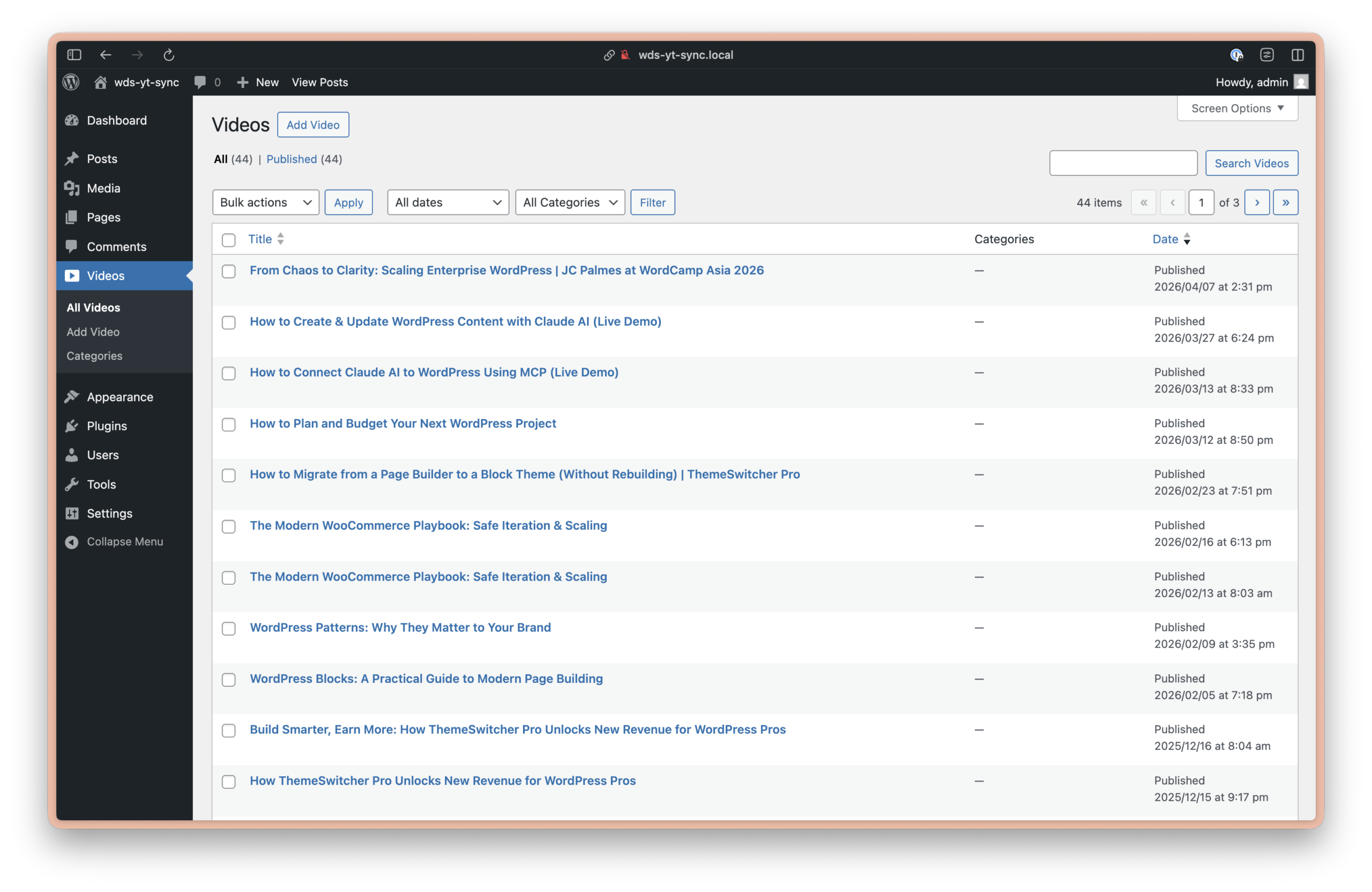
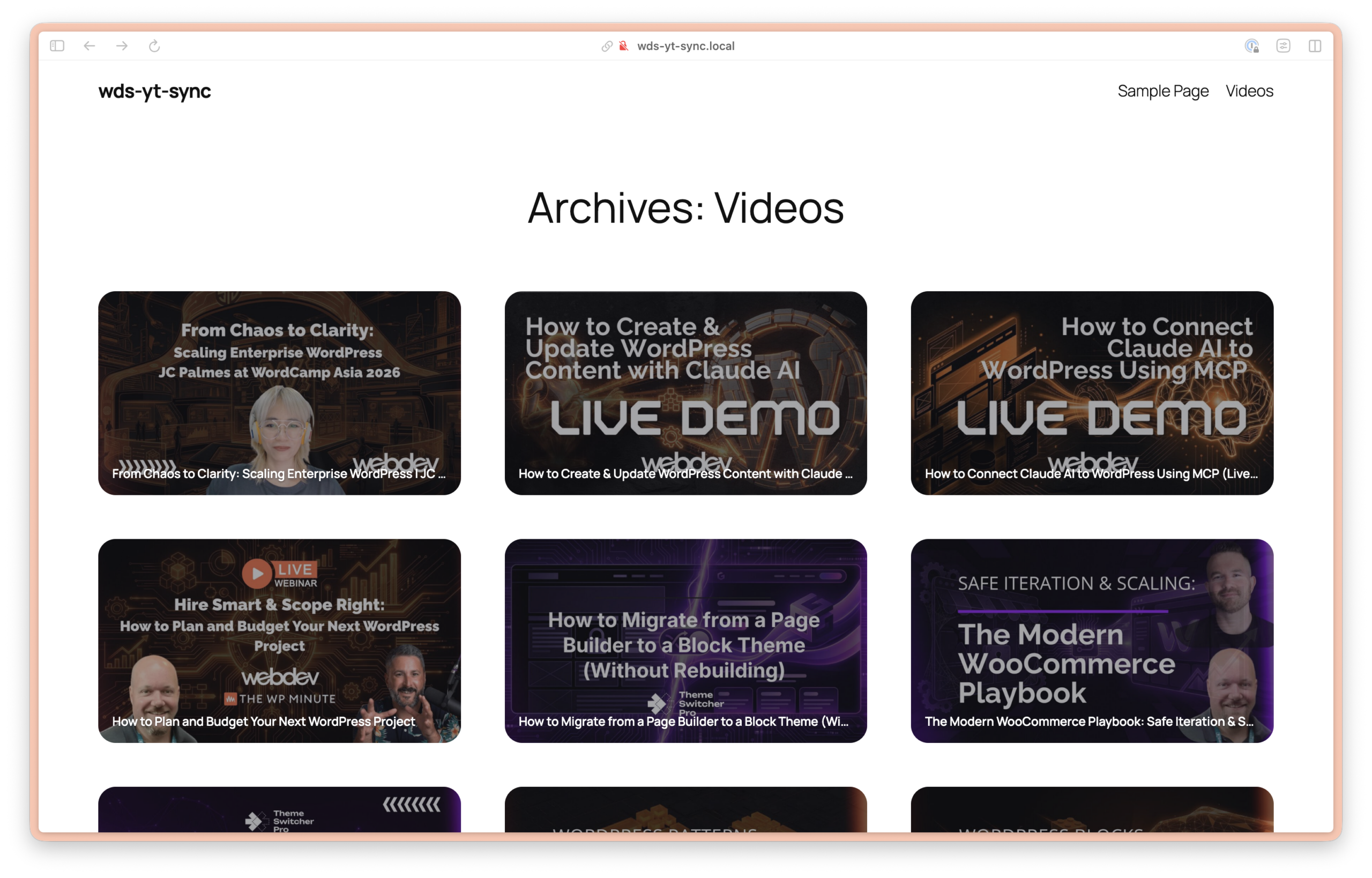
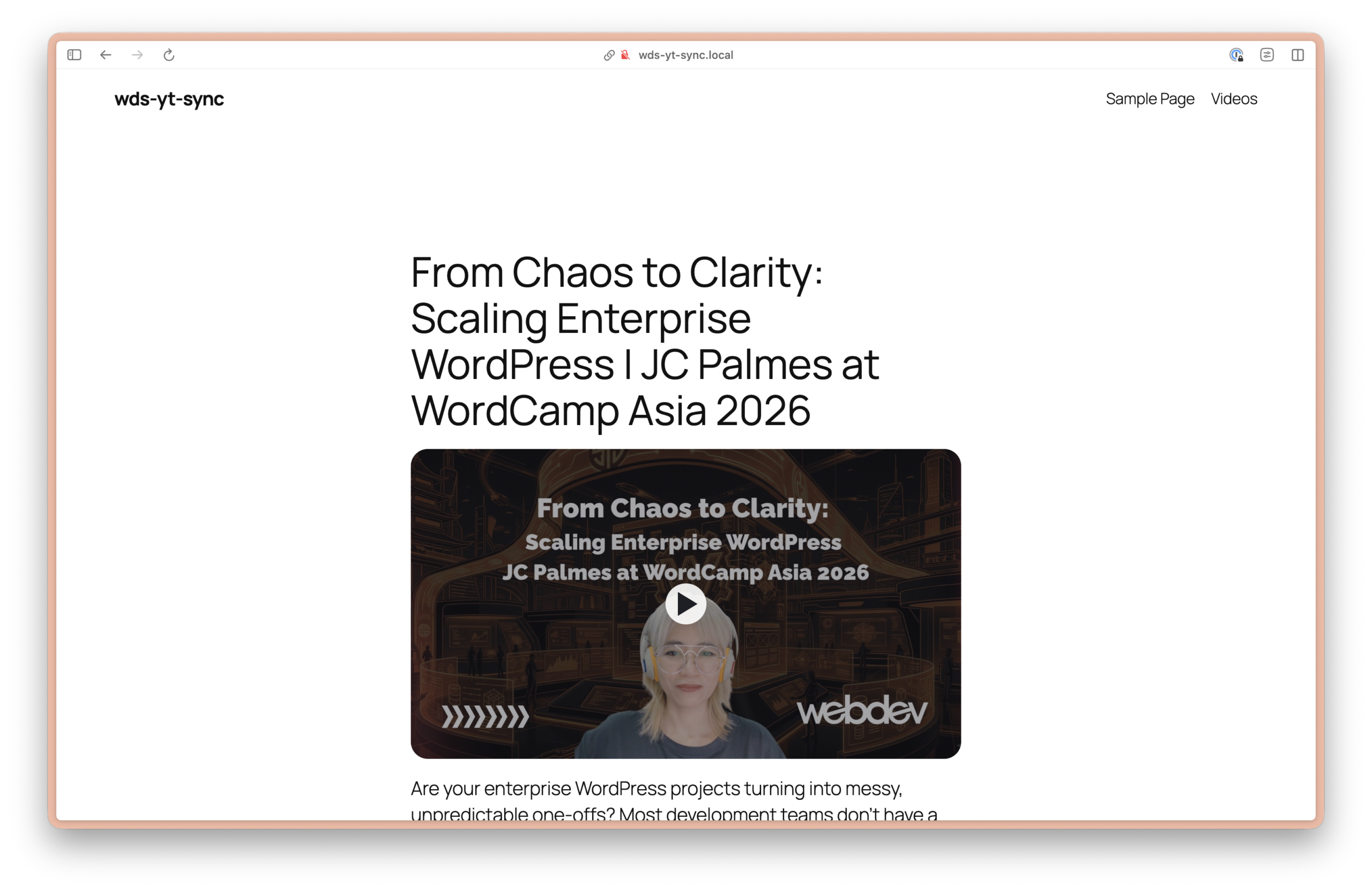
Features Section
Everything you need. Nothing you don’t.
- Automatic Daily Sync — A built-in scheduler checks your YouTube channel every day and imports any new public uploads. Set it and forget it.
- Full WordPress Posts — Each video becomes a proper
videopost with a title, body content, featured image, and YouTube URL stored in post meta. It works with your theme, your archives, and the REST API. - Thumbnail Sideloading — The best available thumbnail (up to max resolution) is automatically downloaded and set as the featured image. No hotlinking.
- Idempotent Imports — Already imported a video? Re-running sync won’t create duplicates. Existing posts are always skipped.
- Block Editor Ready — Three purpose-built Gutenberg blocks let you embed videos, create card-style links, and build archive layouts inside the editor.
- Manual Sync on Demand — Need to pull in videos right now? Hit “Run sync now” from the Settings screen.
- Plays Nice with Others — If another plugin already registers a
videopost type, this plugin detects it and uses that type instead of creating a conflict. - Developer Friendly — Override the YouTube URL meta key via a constant (
WDS_YT_SYNC_VIDEO_YOUTUBE_URL_META) for compatibility with custom stacks. Developer tools for staging and QA are built right into the settings screen.
Gutenberg Blocks Section
Three blocks for building beautiful video layouts
- WDS YouTube Embed — Drop the video player anywhere on a page or template. Optionally override the URL for flexibility in custom layouts.
- WDS YouTube Video Link — A card-style block that links to a Video post using its featured image. Great for related content sections.
- WDS YouTube Archive Card — Designed for use inside Query Loop blocks. Build full video archive pages with thumbnail cards — no custom coding required.
YouTube Video Sync Demo Video
Setup Section
Up and running in minutes
- Install and activate the plugin
- Create a YouTube Data API v3 key in Google Cloud Console (we walk you through it in the settings screen)
- Enter your Channel ID and API key under YouTube Sync → Settings
- Click Run sync now to import your existing videos
- Done — daily sync is scheduled automatically from here on
Requirements: WordPress 6.5+, PHP 7.4+, a free YouTube Data API v3 key
Licensing / Pricing Section
Sync is free. Support is premium.
The core plugin — channel syncing, post creation, thumbnail importing, and blocks — works without any license key.
Purchasing a license from Pluginize unlocks in-dashboard plugin updates and direct vendor support, so you’re never stuck waiting on a manual download.
FAQ
Will this import my existing YouTube videos? Yes. The first sync walks your entire uploads playlist and imports every public video it finds.
What happens if I edit an imported post in WordPress? Nothing is overwritten. The sync only creates new posts for videos it hasn’t seen before. Your edits are safe.
Does it work with my existing Video post type? Yes. If another plugin or theme already registers a video post type, this plugin will use it automatically.
Do I need to pay to sync my channel? No. Syncing is fully functional without a license. A license adds dashboard update delivery and support access.
Is the API key safe? Your API key is stored in your WordPress database under your control, the same as any other plugin setting. The settings screen includes inline guidance on creating a restricted key (scoped only to the YouTube Data API) to minimize exposure.
Can I test it on staging before going live? Yes – the Settings screen includes built-in developer tools specifically for this: import a limited set of videos, or wipe all Video posts to reset your testing environment.